Lip filler simulator: see fuller lips on your own face
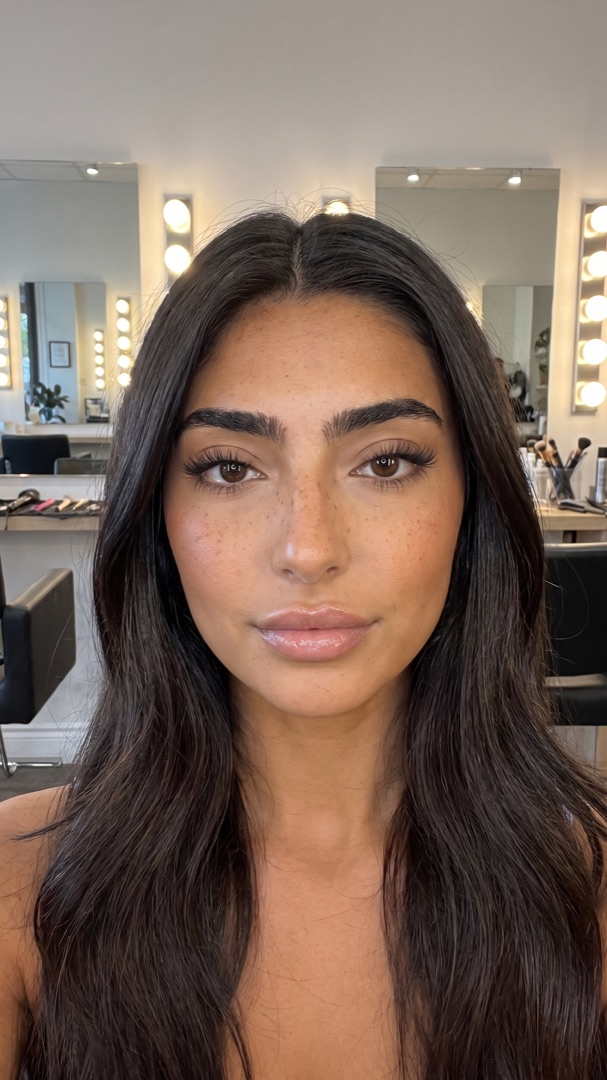
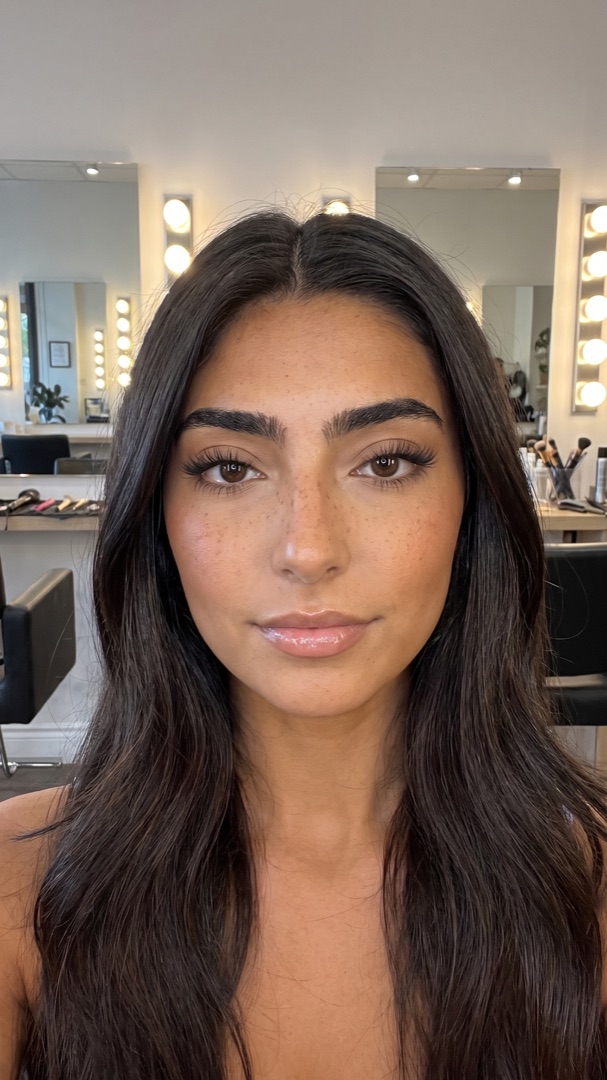
A lip filler simulator shows a fuller-lip result on a photo of your own face, before you book anything. LipsUp is an iPhone app that does this in seconds: take one selfie, and it renders two levels of fullness that follow your own lip line. Free to download, and your full selfie stays on your device.
| App | Platform | What it changes | Price | Your photo |
|---|---|---|---|---|
| LipsUp | iPhone | Two levels of fullness mapped to your own lip line | Free to download, previews from $3.99 | Full selfie stays on your device, only a lip crop is sent |
| Liply | iPhone | Lip and facial treatment try-on | Subscription from $2.99 weekly or $29.99 yearly | See the app's privacy label |
| YouCam Makeup | iPhone, Android | Lip Plumper slider inside a full makeup suite | Subscription, around $5.99 per month | See the app's privacy label |
| AirBrush | iPhone, Android | Reshape tool you drag by hand | Subscription, around $3.99 per month | See the app's privacy label |
| FaceApp | iPhone, Android | Lip effects inside a general face editor | Subscription | See the app's privacy label |
Competitor details checked September 2026 against each publisher's own listing. Pricing and features change, so check the current App Store or Google Play entry before you decide.
What a lip filler simulator actually does
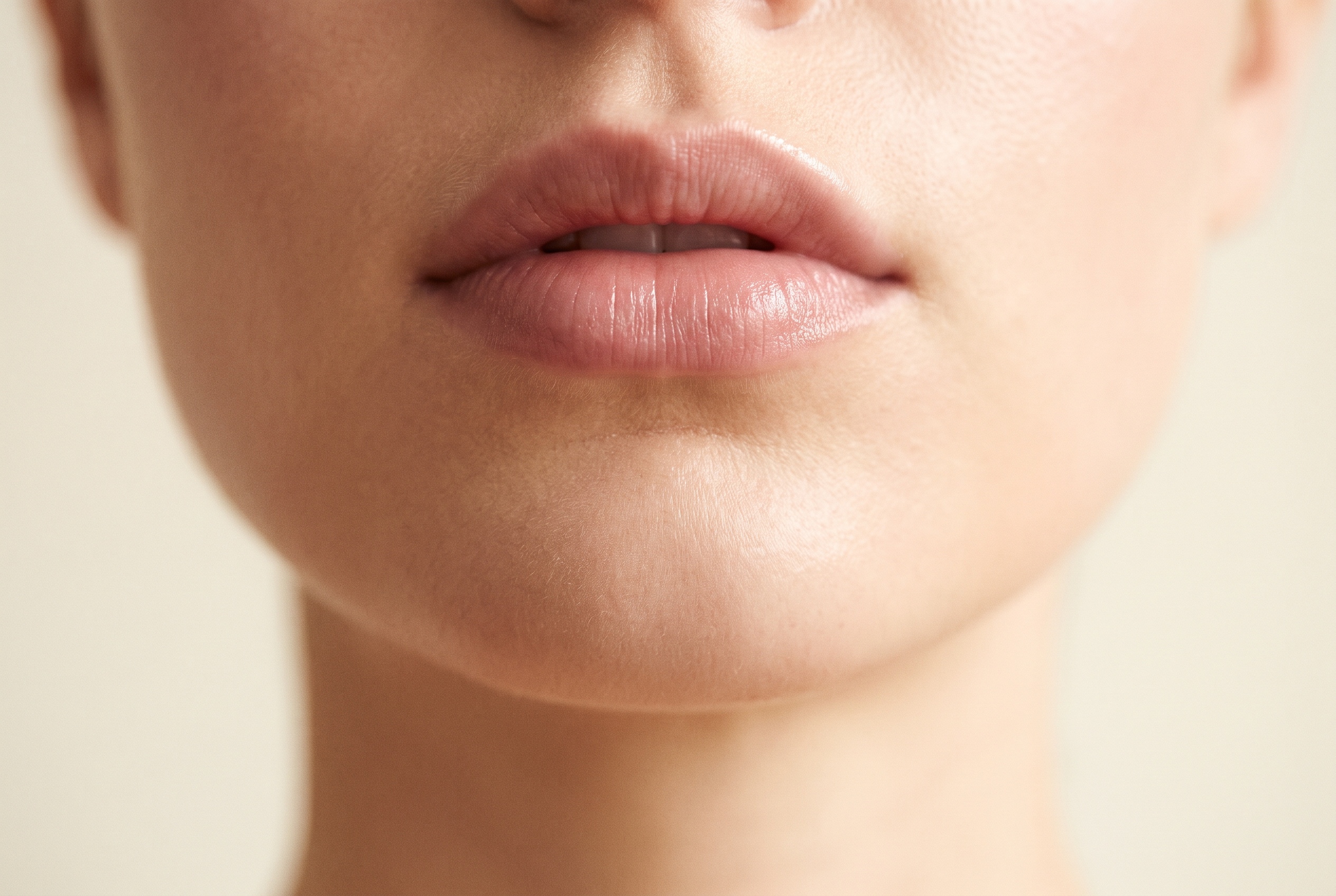
A lip filler simulator takes a photo of your face and redraws your lips with more volume, so you can look at the result before you spend money on a treatment you cannot undo quickly.
The useful ones work from your own features. A generic filter puts the same mouth on everyone; a preview follows the shape, width and cupid's bow you already have, and adds volume along that line. That difference is the whole point, because the question you are trying to answer is not "do fuller lips look good" but "do fuller lips look good on me".
How the LipsUp preview works
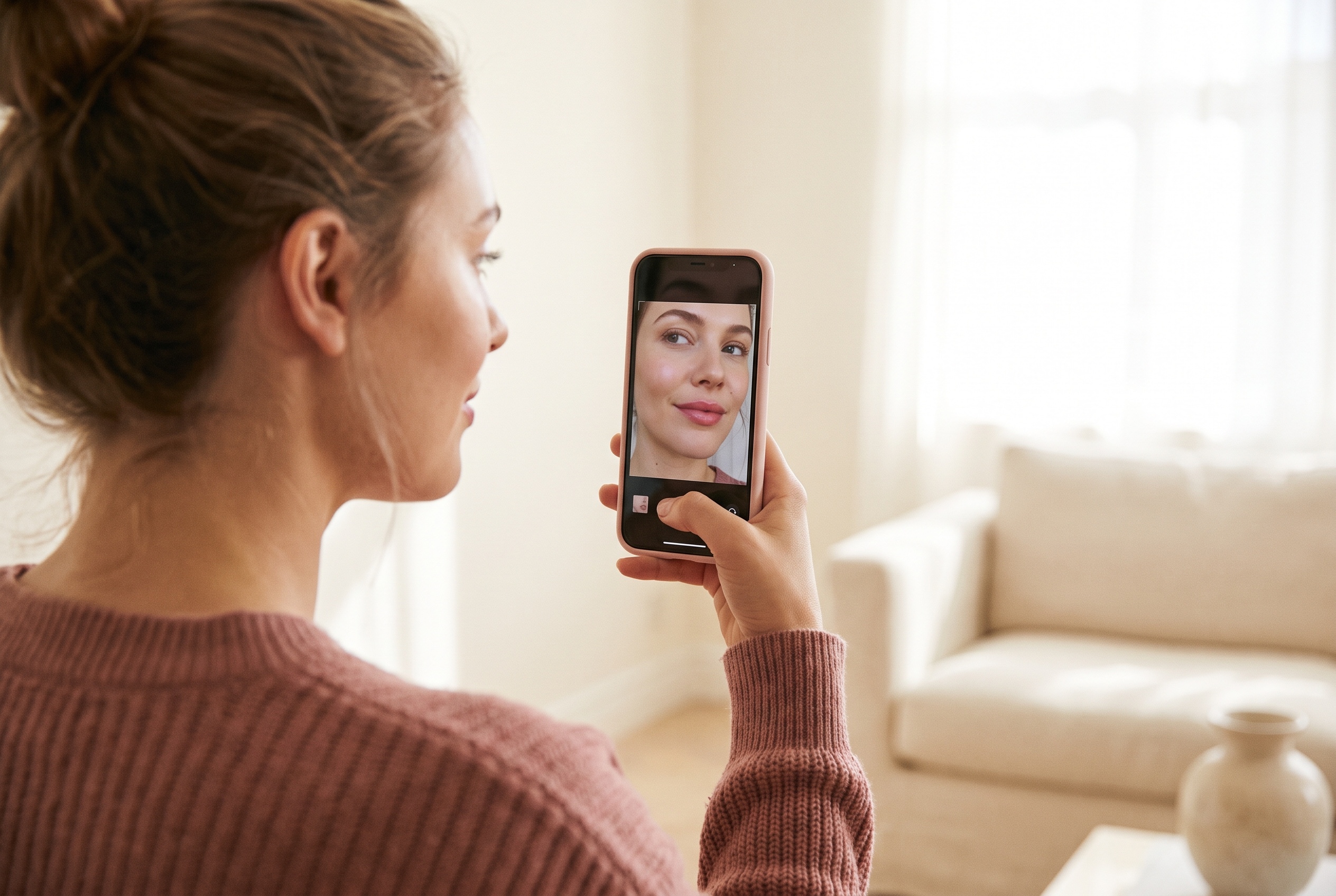
- Take one selfie. Front-facing, even light, neutral expression. No account, no email, no sign-up.
- Your lips are found automatically on your device.
- Two levels of fullness are rendered, so you can see a subtle change and a more noticeable one side by side and decide which reads as you.
The whole thing takes seconds. You can then compare against the original with a slider, and save or discard the result.
Where your photo goes
This is worth asking of any app that handles your face, and most simulator round-ups skip it entirely.
With LipsUp, your full selfie never leaves your device. Your lips are located on the phone, and only a small crop of the lip area is sent to the processing provider to render the preview. That crop is not stored afterwards. There is no account, so there is nothing to tie an image to a person.
For every other app in the table above, check its privacy label on the store listing before you upload a photo of your face. See our privacy policy for the full detail on our side.
What a simulator cannot tell you
An honest answer matters more here than a sales pitch, because the gap between a preview and a treatment is where people get disappointed.
A preview is a computer-generated visualization. It is made for inspiration, not prediction. It cannot tell you:
- How much product you would need. That depends on your anatomy and a practitioner's assessment.
- What your tissue will do. Lips swell for days and settle over weeks. See lip filler swelling stages for the realistic timeline.
- Whether you are a suitable candidate. Only a licensed professional can tell you that.
- What it will cost you. Pricing varies widely by city and practitioner. See how much lip filler costs.
What it does tell you is whether the *look* is one you want, which is the question most people are actually stuck on, and the cheapest one to answer.
What to look for in a lip filler simulator
If you are comparing options, these are the criteria that separate them:
- Does it follow your own lip line, or does it paste a generic shape over your mouth?
- More than one level of fullness, so you can see where subtle ends and overdone begins.
- A before-and-after comparison you can drag, rather than two images you have to hold in your head.
- Clear photo handling. Does the full image leave your device? Is it stored?
- Pricing you can understand. A one-time preview cost is easier to judge than a subscription you will forget to cancel.
- No sign-up. You are uploading your face; an account is friction, and one more place your image can sit.
Free lip filler simulators and what the free tier usually means
Most apps in this category are free to download and charge somewhere. The common patterns are a monthly subscription that unlocks the whole editor, or a one-time charge per preview.
LipsUp is free to download, and previews are an in-app purchase starting at $3.99 with no subscription. The current details are always on the App Store listing.
A fully free tool is usually free because something else is being monetised, most often a subscription to a wider editor or your attention inside an ad-supported app. Neither is wrong, it is just worth knowing which trade you are making.
Preview the look before you book
If you are weighing up filler, the hard part is imagining the result on your own mouth rather than on a model in a clinic's gallery. That is what a preview is for, and it costs less than a consultation.
Going deeper on a specific pair? See LipsUp vs Liply, YouCam Makeup vs AirBrush, or Juvéderm vs Restylane for the filler brands themselves.
Still deciding between treatments? Read lip flip vs lip filler and what will lip filler look like on me.
QUESTIONS
Frequently asked
What is the best lip filler simulator app?
It depends on what you want. If you want a dedicated lip preview that follows your own lip line and keeps your full selfie on your device, LipsUp is built for exactly that. If you want a full makeup and editing suite where lips are one tool among many, YouCam Makeup or AirBrush cover more ground for a monthly subscription.
Is there a free lip filler simulator?
Most apps in this category are free to download and charge later, either through a monthly subscription or a one-time cost per preview. LipsUp is free to download, with previews available as an in-app purchase starting at $3.99 and no subscription.
How accurate is a lip filler simulator?
A good preview is accurate about shape and proportion, because it follows the lip line you already have. It is not a prediction of a medical outcome. It cannot account for how much product a practitioner would use, how your tissue swells, or how the result settles over the following weeks.
Do I need to create an account to use LipsUp?
No. There is no account, no email and no sign-up. You need an iPhone and one clear, front-facing selfie in even light.
Does my photo get uploaded?
Your full selfie stays on your device. Your lips are located on the phone, and only a small crop of the lip area is sent to the processing provider to render the preview. That crop is not stored afterwards.
Can a simulator replace a consultation?
No. A preview answers whether you like the look. A licensed professional assesses whether filler suits your anatomy, how much product would be involved, and whether you are a suitable candidate. The two answer different questions.
LipsUp produces a computer-generated visualization for inspiration only. It is not medical advice and it does not predict the outcome of any cosmetic procedure. Always speak with a licensed professional before considering treatment.