LipsUp vs Liply: which lip preview app should you use?
Both are iPhone apps that preview cosmetic changes on your own selfie. Liply covers several treatments including lips, teeth and hair, and runs on a subscription. LipsUp does lips only, at two levels of fullness, as a one-time purchase with no account. Pick Liply for breadth, LipsUp if lips are the only question.
| LipsUp | Liply | |
|---|---|---|
| Platform | iPhone | iPhone |
| Covers | Lips only | Lips, teeth, hair and other cosmetic changes |
| Lip preview | Two defined levels of fullness | Lip try-on |
| Pricing | Free to download, previews from $3.99, one-time | Free to download, subscription at $2.99 weekly, $6.99 monthly or $29.99 yearly |
| Recurring charge | No | Yes |
| Account needed | No | See the app listing |
| Your photo | Full selfie stays on your device, only a lip crop is sent, not stored | The developer states photos are never stored and are discarded after processing |
Liply details taken from its own App Store listing, checked September 2026. Star ratings are deliberately left out: both apps have too few to compare meaningfully. Pricing changes, so check the current listing.
The honest summary
These two apps answer different-sized questions.
Liply is a general cosmetic try-on. Lips are one of several things it previews, alongside teeth and hair. If you are curious about more than one change, or you are exploring rather than deciding, that breadth is real value and this comparison should end with you downloading Liply.
LipsUp is narrow on purpose. It previews lips, at two levels of fullness, and nothing else. If lips are the only thing you are weighing up, narrow is the point.
Where the difference actually bites
Breadth versus depth
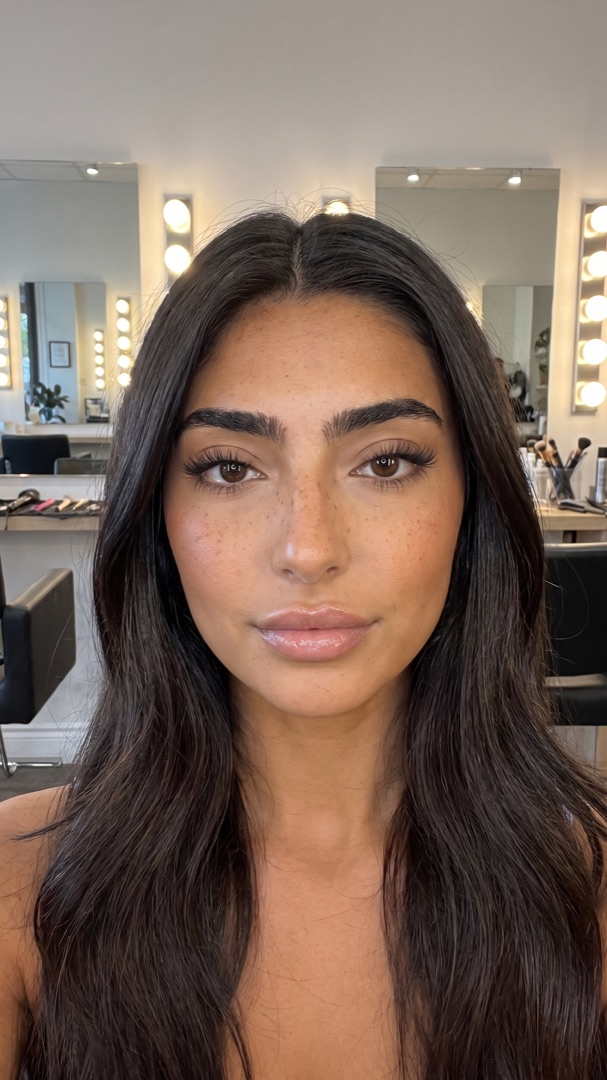
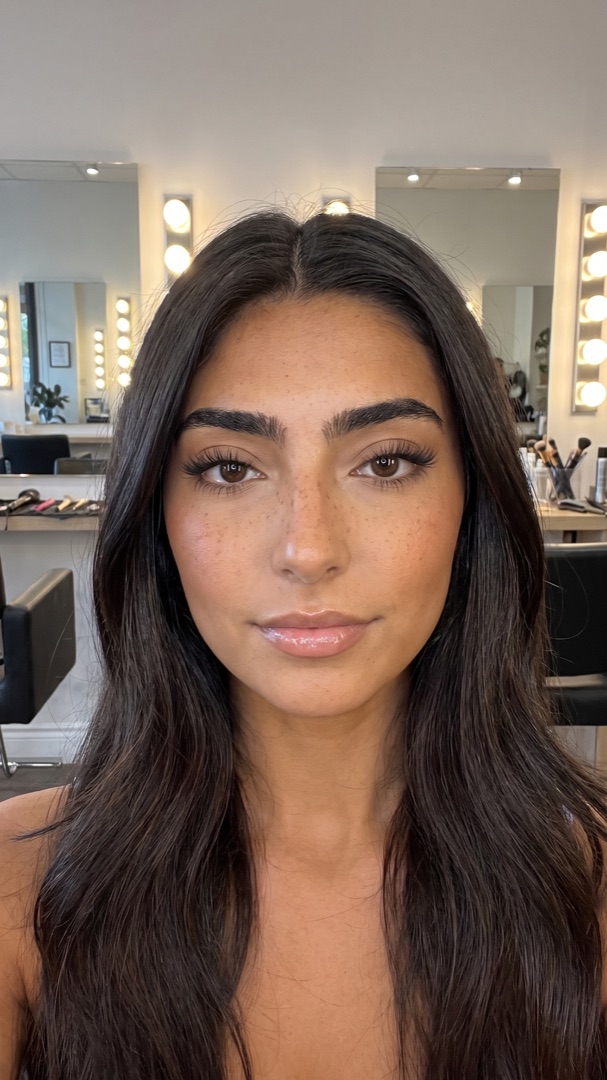
Liply covers more ground. LipsUp goes deeper on one thing: two defined levels of fullness rather than one try-on, so "a bit more" and "noticeably more" are separate results you can hold next to each other and judge.
That matters more than it sounds. The most common regret in this category is not "I did not get enough", it is "it looks like someone else's mouth". Seeing a subtle version next to a stronger one is what stops that, and it is the specific thing a single try-on cannot do.
One payment versus a subscription
This is the sharpest practical difference.
Liply runs on a subscription: $2.99 weekly, $6.99 monthly, or $29.99 yearly. LipsUp is a one-time in-app purchase from $3.99, with no recurring charge and nothing to cancel.
If you are going to use a try-on regularly across several treatments, a subscription can be the cheaper shape. If you are answering one question before one appointment, paying weekly for it is the wrong shape, and forgetting to cancel is how that gets expensive.
What happens to your photo
Both make a privacy claim and both claims are reasonable. They are not the same claim.
Liply's developer states that photos are never stored and are discarded immediately after processing.
LipsUp's is narrower: your full selfie never leaves the device at all. Your lips are located on the phone, and only a small crop of the lip area is sent to be rendered. That crop is not stored afterwards, and because there is no account, nothing links an image to a person.
The difference is what gets transmitted, not just what gets kept. Read both privacy labels on the App Store and decide what you are comfortable with. Ours is spelled out in the privacy policy.
Choose Liply if
- You want to preview more than just lips
- You are exploring several possible changes rather than deciding on one
- You will use it often enough for a subscription to make sense
Choose LipsUp if
- Lips are the only thing you are deciding
- You want two levels of fullness rather than one result
- You do not want a recurring charge
- You would rather your full photo stayed on your phone
- You do not want to make an account
The wider field
Liply is the closest comparison, but it is not the only option. The lip filler simulator comparison covers YouCam Makeup, AirBrush and FaceApp as well, and YouCam Makeup vs AirBrush goes into the two big beauty editors specifically.
If you have not settled the treatment question yet, what will lip filler look like on me is about the decision rather than the tools.
QUESTIONS
Frequently asked
What is the difference between LipsUp and Liply?
Liply previews several cosmetic changes including lips, teeth and hair, and runs on a subscription. LipsUp previews lips only, at two defined levels of fullness, as a one-time in-app purchase with no account. Liply is the broader tool; LipsUp is the narrower one.
Is Liply a subscription?
Yes. Liply is free to download and charges through a subscription at $2.99 weekly, $6.99 monthly or $29.99 yearly, per its App Store listing checked September 2026.
Is there a lip preview app without a subscription?
Yes. LipsUp is free to download and previews are a one-time in-app purchase starting at $3.99. Nothing renews and there is nothing to cancel.
Which is better for privacy?
Both publish a privacy position. Liply's developer states photos are never stored and are discarded after processing. LipsUp keeps the full selfie on the device entirely and sends only a small crop of the lip area, which is not stored afterwards. Read both App Store privacy labels and decide which you prefer.
Are both apps iPhone only?
Both are listed on the iOS App Store. If you are on Android you will need a different option, such as YouCam Makeup or AirBrush.
LipsUp produces a computer-generated visualization for inspiration only. It is not medical advice and it does not predict the outcome of any cosmetic procedure. Always speak with a licensed professional before considering treatment.