YouCam Makeup vs AirBrush: which is better for lips?
YouCam Makeup and AirBrush both change lips, but differently. YouCam has a dedicated Lip Plumper slider and live camera try-on inside a full makeup suite. AirBrush has a manual Reshape tool you drag by hand. Both are monthly subscriptions. Neither is built specifically for previewing lip filler, which is where a dedicated preview app fits.
| YouCam Makeup | AirBrush | LipsUp | |
|---|---|---|---|
| Platform | iPhone, Android | iPhone, Android | iPhone |
| Lip tool | Lip Plumper slider (iOS) or Lip Reshape (Android) | Reshape tool, dragged by hand | Lip preview at two levels of fullness |
| How the change is made | Automatic detection, then a slider | You pull the shape yourself | Automatic, mapped to your own lip line |
| Live camera | Yes | No | No, works from a photo |
| Also does | Full makeup suite, skin, hair colour | Retouching, filters, backgrounds | Nothing else |
| Price | Subscription, around $5.99 per month | Subscription, around $3.99 per month | Free to download, previews from $3.99, no subscription |
| Account needed | Yes | Yes | No |
Details checked September 2026 against each publisher's own listing. Features and pricing change; check the current App Store or Google Play entry before you decide.
The short version
Pick YouCam Makeup if you want a full beauty editor and live camera try-on, and lips are one of many things you will change. Pick AirBrush if you prefer retouching by hand and want a cheaper monthly subscription. Pick a dedicated preview app if the only question you are trying to answer is what fuller lips would look like on you.
YouCam Makeup: the lip tool
YouCam Makeup is a full makeup and beauty suite. Lips sit inside it as one feature among dozens: foundation, eye makeup, brows, skin smoothing, hair colour, and a large catalogue of branded cosmetics to try on.
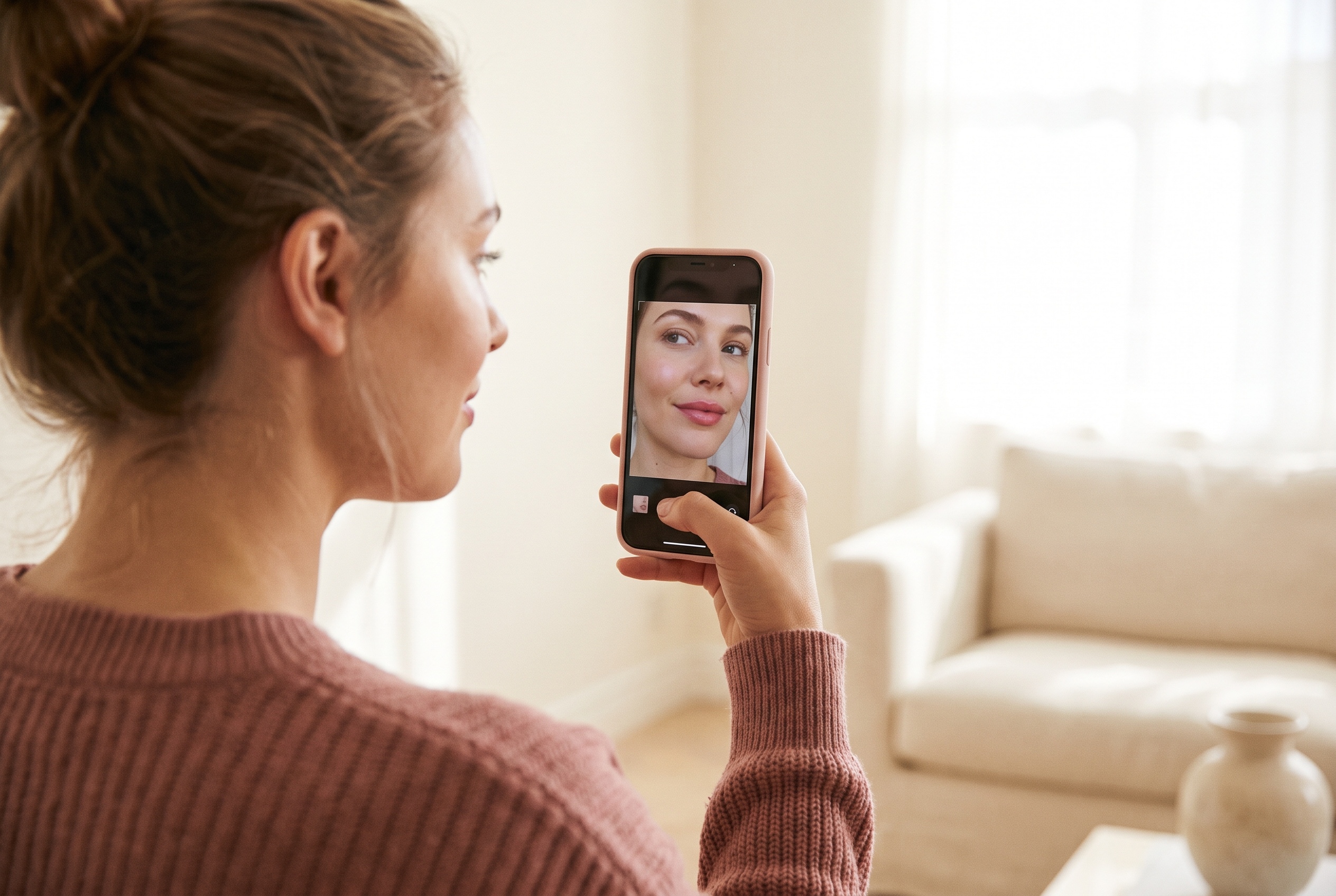
For lips specifically, you open Makeup, then Lip Plumper on iOS or Reshape then Lips on Android. It finds your mouth automatically and gives you a slider for volume. It also runs live on the camera, so you can see the change while you move, which none of the alternatives here do.
The trade-off is that the lip tool is built for a makeup look, not for picturing a treatment. It is tuned to sit alongside lipstick shades and gloss finishes, and the plumping slider is one effect in a stack.
AirBrush: the lip tool
AirBrush is a photo retouching app. There is no dedicated lip volume feature. You reshape lips through the general Reshape tool: Tools, then Reshape, then you pull the lip outward by hand.
That gives you fine control, and it is genuinely useful if you know exactly what you want and are comfortable editing. It also means the result is only as good as your hand, and it is easy to drag past what a real result could look like without noticing. There is no "this is one level of filler, this is two" reference point.
It is the cheaper of the two subscriptions.
Where both fall short for lip filler
Neither app is doing anything wrong. They are editors, and they are good ones. But the question "what would lip filler look like on me" is not an editing question, and it asks for three things an editor does not give you:
- A reference for how much. A slider that goes to 100 tells you nothing about what one syringe looks like. Two defined levels of fullness do.
- Restraint by default. Manual dragging and open-ended sliders both drift toward a result no practitioner would produce, which is how people end up disappointed at the actual appointment.
- A shape that stays yours. The useful version follows your existing lip line, cupid's bow and width, rather than applying a generic fuller mouth.
There is also the practical point that both run on a monthly subscription. If you are answering one question before one appointment, you are signing up for a recurring charge to do it.
The third option: a dedicated lip preview
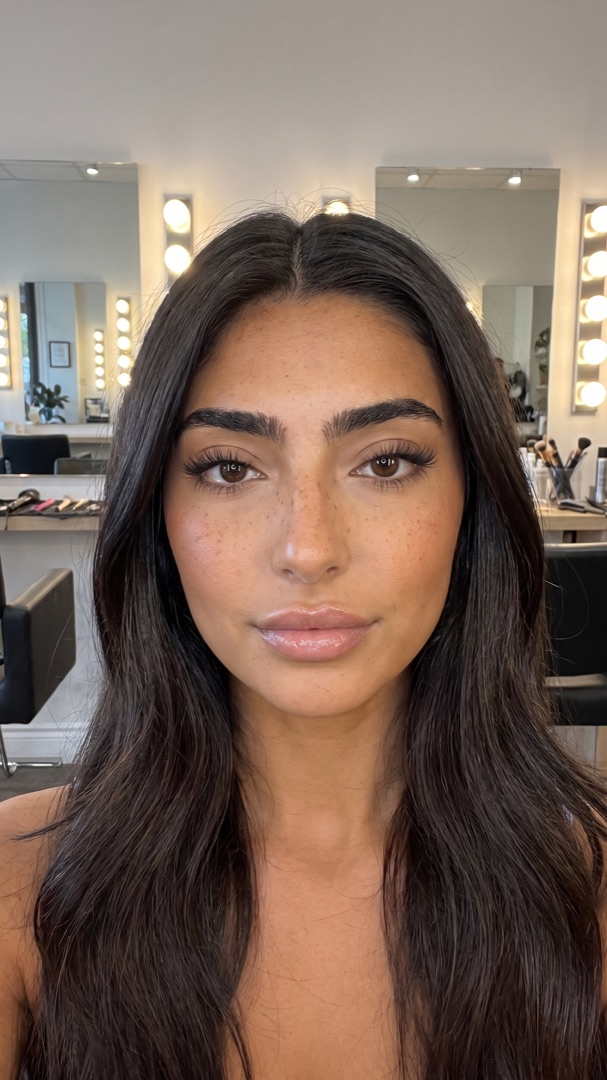
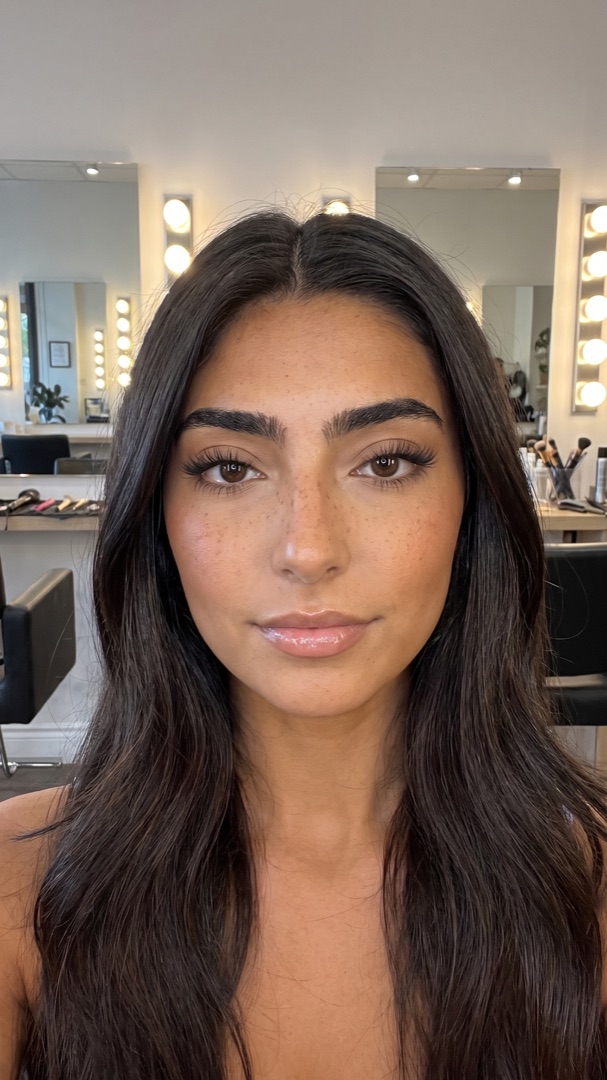
LipsUp does one thing. You take a single selfie and it renders two levels of fullness mapped to your own lip line, so you can see a subtle change and a more noticeable one and decide which reads as you. You compare against the original with a slider and save or discard it.
It is iPhone only, it has no makeup features, and it will not retouch a photo. What it does have:
- Two defined levels, so "more" has a reference point
- No account, no email, no sign-up
- Your full selfie stays on your device. Only a small crop of the lip area is sent to render the preview, and it is not stored afterwards
- No subscription. Free to download, previews are a one-time in-app purchase
If you want a beauty editor, YouCam or AirBrush is genuinely the better buy. If you want to answer one question before booking, this is the shorter path.
Which to choose
- You edit photos regularly and want everything in one app → YouCam Makeup
- You want manual control and the cheaper subscription → AirBrush
- You want to see live, in the camera, while you move → YouCam Makeup
- You are deciding whether to book lip filler → a dedicated preview
- You are on Android → YouCam Makeup or AirBrush, since LipsUp is iPhone only
For the wider field, including Liply, FaceApp and the web tools, see the lip filler simulator comparison. If you are still deciding on the treatment itself, what will lip filler look like on me covers the decision rather than the tools.
QUESTIONS
Frequently asked
Which is better for lips, YouCam Makeup or AirBrush?
YouCam Makeup is better for lips of the two. It has a dedicated Lip Plumper slider that finds your mouth automatically and works live on the camera, while AirBrush only offers a general Reshape tool you drag by hand. AirBrush is the cheaper subscription and gives you more manual control.
Does AirBrush have a lip plumper?
Not as a dedicated feature. You enlarge lips through the general Reshape tool under Tools, pulling the lip outward by hand. There is no automatic lip volume slider.
Can YouCam Makeup show what lip filler would look like?
It can show fuller lips, but the tool is built for makeup looks rather than for previewing a treatment. The slider is open-ended, so there is no reference for what one level of filler actually looks like, which is what a dedicated preview app provides.
Are YouCam Makeup and AirBrush free?
Both are free to download and both run on a monthly subscription for the full feature set: YouCam Makeup at around $5.99 per month and AirBrush at around $3.99 per month, checked September 2026.
Is there an app just for previewing lip filler?
Yes. LipsUp is an iPhone app that does only this: one selfie, two levels of fullness mapped to your own lip line, no account, no subscription, and your full selfie stays on your device.
LipsUp produces a computer-generated visualization for inspiration only. It is not medical advice and it does not predict the outcome of any cosmetic procedure. Always speak with a licensed professional before considering treatment.