Best lip filler apps: 8 ways to preview filler on your own face
The best lip filler app depends on what you want to see. For a dedicated lip preview on your own lip line, with no subscription, LipsUp is built for exactly that. For lips inside a full makeup editor, YouCam Makeup is the common pick. For editing by hand, AirBrush or Facetune. For previews of several treatments, Liply, Aesthetix, AEDIT or Refina.
| App | Best for | Platform | How it works | Price |
|---|---|---|---|---|
| LipsUp | A dedicated lip preview on your own lip line | iPhone | One selfie, two levels of fullness, found automatically | Free to download, previews from $3.99, no subscription |
| YouCam Makeup | Lips inside a full makeup suite | iPhone, Android | Lip Plumper slider on a photo or the live camera | Subscription, around $5.99 per month |
| AirBrush | Everyday selfie retouching | iPhone, Android | Reshape tool you drag by hand | Subscription, around $3.99 per month |
| Facetune | Detailed editing by hand | iPhone, Android | Reshape and resize tools, applied manually | Subscription |
| Liply | Several treatments in one app | iPhone | Lip and facial treatment try-on | Subscription from $2.99 weekly or $29.99 yearly |
| Aesthetix | Previews by face zone and intensity | iPhone, Android | Pick a treatment, a zone and an intensity | Credit packs, from $12.99 for 12 previews |
| AEDIT | A 3D face scan across several procedures | iPhone | Scan your face, then try procedures on the scan | Free to download, see the App Store listing |
| Refina | Surgical and filler previews with a facial report | iPhone | Photo-based previews of many procedures | See the App Store listing |
We make LipsUp. Details for every other app were checked in October 2026 against each publisher's own store listing or website. Pricing and features change, so check the current App Store or Google Play entry before you decide.
How we picked
Every app here works on a photo of your own face, which is the only kind of preview that answers the real question: not "do fuller lips look good" but "do they look good on me". We then sorted them by what each one is actually for, because a makeup editor, a hand-retouching tool and a dedicated preview solve different problems.
We make LipsUp, so it is listed first. Every other row is limited to facts each publisher states on its own listing: platform, how the tool works, and how it charges. No ratings, no claims about anyone else's quality.
The quick answer, by what you want
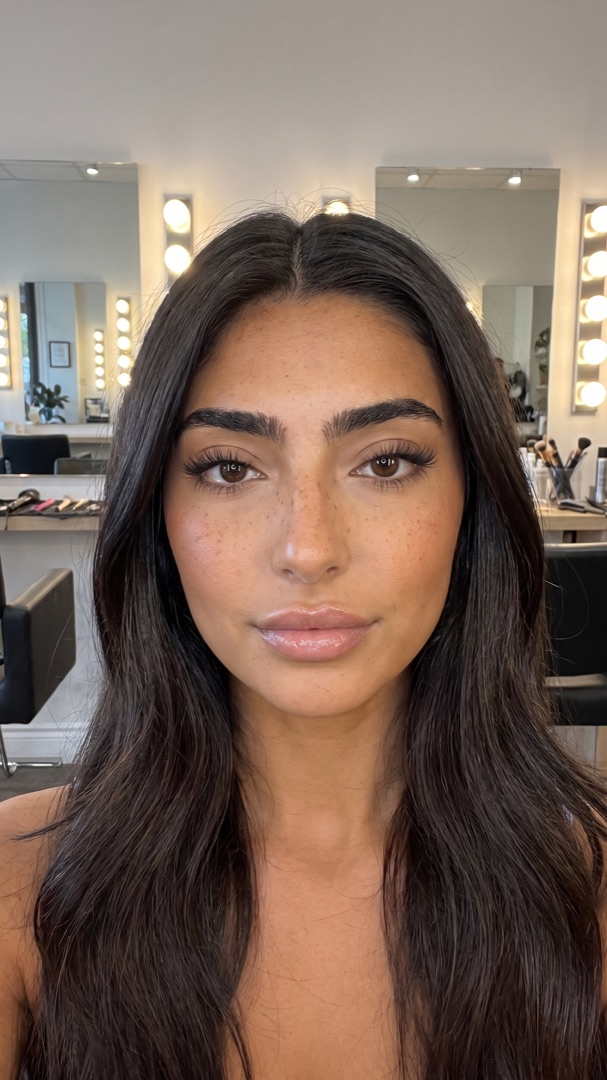
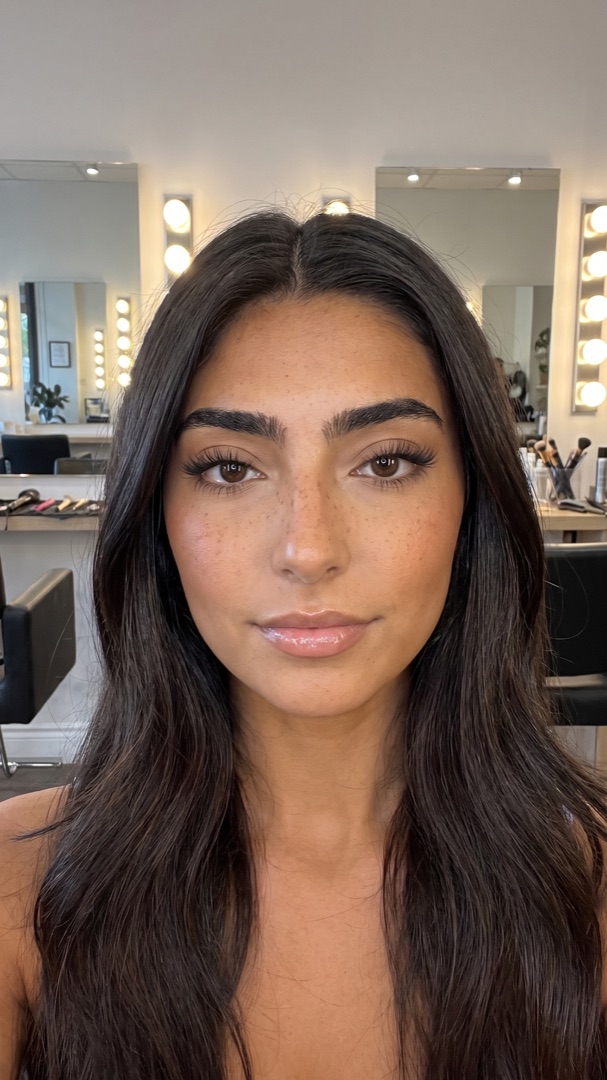
- Only lips, no subscription: LipsUp. One selfie, two levels of fullness that follow your own lip line, and your full selfie stays on your device.
- Lips plus makeup: YouCam Makeup, where the lip slider sits inside a full makeup suite.
- Full control by hand: AirBrush or Facetune. You shape the lips yourself, so the result is only as natural as your edit.
- Several treatments at once: Liply, Aesthetix, AEDIT or Refina cover lips alongside other procedures.
- On Android: YouCam Makeup, AirBrush, Facetune and Aesthetix. LipsUp is iPhone only.
Dedicated preview or photo editor?
A photo editor gives you a tool and lets you decide how far to push it. That is flexible, but it means the preview shows your editing, not a realistic fuller-lip look. A dedicated preview does the shaping for you, following the width, shape and cupid's bow you already have, and gives you set levels so "more" has a reference point.
If you already pay for an editor you like, try its lip tool first. If you want to answer one question before booking an appointment, a dedicated preview is faster and cheaper than a subscription.
Ask these before you upload your face
- Does the full photo leave your phone? With LipsUp it does not: only a small crop of the lip area is sent to render the preview, and it is not stored afterwards. For the others, read the privacy label on the store listing.
- Do you need an account? LipsUp has none. An account is one more place your image can sit.
- Is it a subscription? A weekly or monthly plan is easy to forget. A one-time preview is easy to judge.
What no app can tell you
A preview is a computer-generated visualization, made for inspiration, not prediction. It cannot tell you how much product you would need, how your lips will swell and settle, or whether filler suits your anatomy. Only a licensed professional can answer those. See lip filler simulator for how previews work, and what will lip filler look like on me for what shapes a real result.
Comparing two apps directly? See LipsUp vs Liply or YouCam Makeup vs AirBrush.
QUESTIONS
Frequently asked
What is the best app to see lip filler on my own face?
For a dedicated lip preview, LipsUp: take one selfie and see two levels of fullness that follow your own lip line, with no account and no subscription. If you want lips as one tool inside a full makeup editor, YouCam Makeup is the common alternative.
Is there a lip filler app for Android?
Yes. YouCam Makeup, AirBrush, Facetune and Aesthetix all run on Android. LipsUp is currently iPhone only.
Is there a free lip filler app?
Most are free to download and charge later, through a subscription, credit packs or a one-time cost per preview. LipsUp is free to download, with previews as an in-app purchase starting at $3.99 and no subscription.
How realistic are lip filler apps?
A dedicated preview that follows your own lip line is realistic about shape and proportion. A hand-editing tool is only as realistic as your edit. No app predicts a medical outcome: it cannot account for the amount of product, swelling, or how the result settles.
LipsUp produces a computer-generated visualization for inspiration only. It is not medical advice and it does not predict the outcome of any cosmetic procedure. Always speak with a licensed professional before considering treatment.