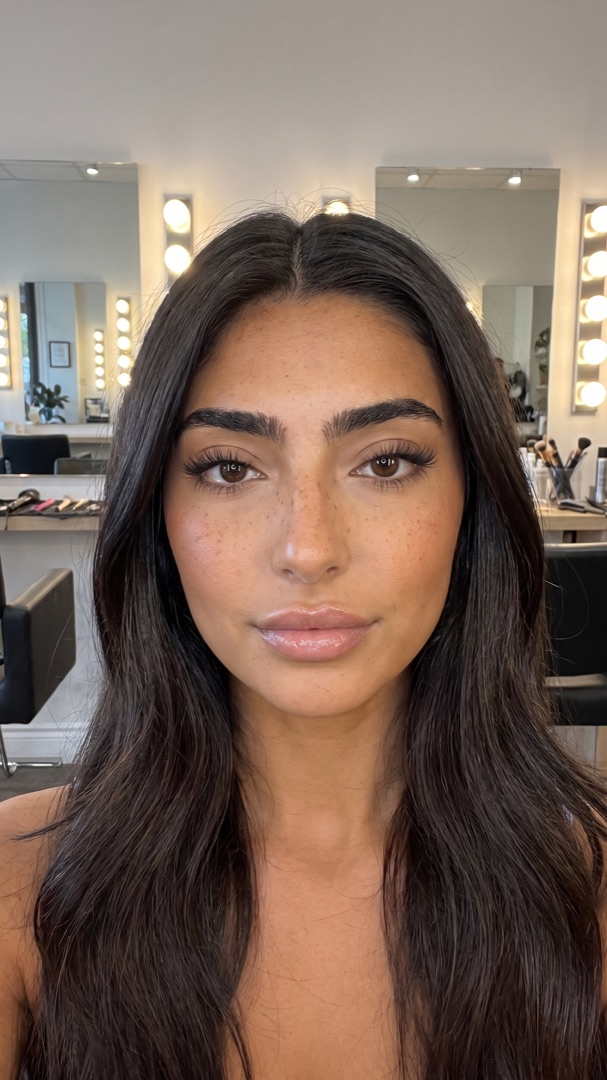
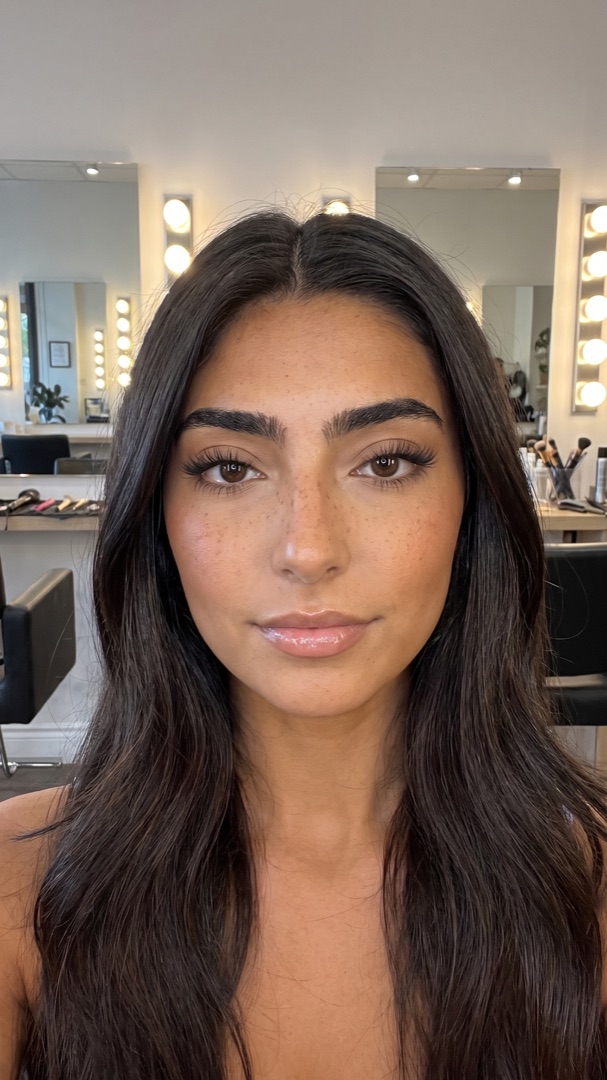
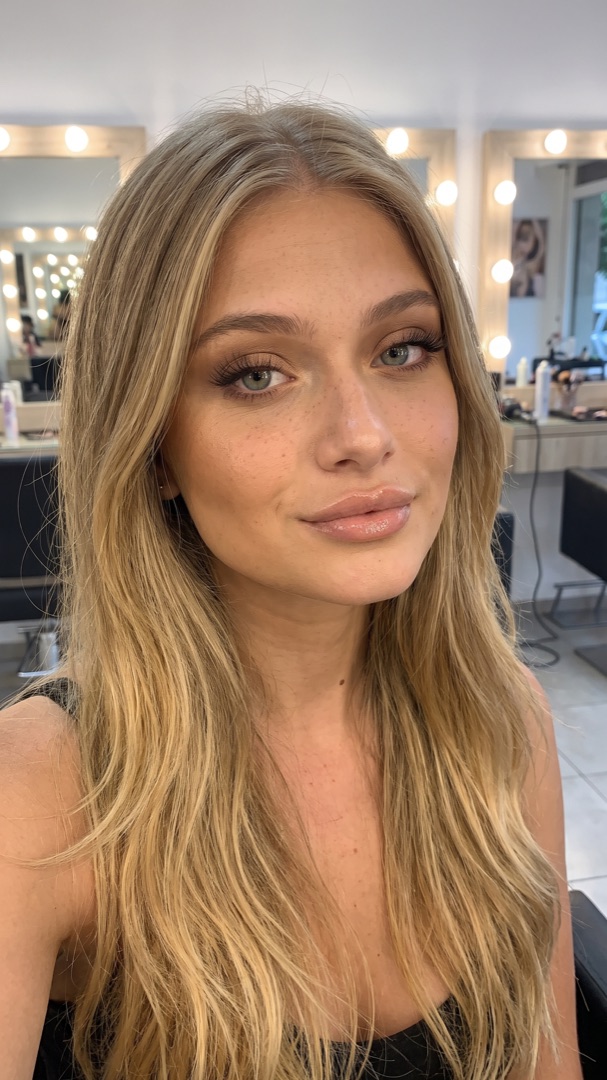
Facial harmonization simulator: preview lips and forehead on your own face
A facial harmonization simulator shows a treatment on a photo of your own face before you book. LipsUp previews the two areas people most often start with: fuller lips, at two levels of volume that follow your own lip line, and a smoother forehead. One selfie, one area per scan, no account and no subscription. It is a visualization, not a medical prediction.
| Area | Common treatment | Preview in LipsUp? |
|---|---|---|
| Lips | Lip filler | Yes, two levels of volume on your own lip line |
| Forehead | Toxin for forehead lines | Yes, a smoother forehead |
| Under-eyes | Tear trough filler | No |
| Jawline and chin | Filler for contour | No |
| Nose | Non-surgical nose filler | No |
| Cheeks | Cheekbone filler | No |
| Buccal fat | Surgical removal | No |
Facial harmonization usually combines several of these areas. LipsUp previews one area per scan, lips or forehead. For everything else, a licensed professional can show you options at the consultation.
What a facial harmonization simulator does
Facial harmonization is a plan, not a single treatment: a professional looks at the whole face and combines small changes, often lip filler and toxin for forehead lines first. A simulator lets you see part of that plan on your own face before the consultation, so you arrive knowing what you like.
What you can preview in LipsUp
- Lips: two levels of volume that follow the width, shape and cupid's bow you already have.
- Forehead: a smoother forehead, shown as a before and after on your selfie.
One area per scan, lips or forehead. Take one selfie, choose the area, and see the result in seconds.
What no simulator can tell you
A preview is a computer-generated visualization, made for inspiration, not prediction. It cannot tell you how much product you would need, how the result settles, or whether a treatment suits your anatomy. Only a licensed professional can answer that, so bring your preview to the consultation as a reference, not as a promise.
Your photo stays yours
Face detection runs on your phone. Your full selfie never leaves the device: only a small crop of the lip or forehead area is sent to render the preview, and it is not stored afterwards. There is no account to create.
Going further
- See the best lip filler apps, compared by what each one is for.
- Read lips or forehead: which to preview first.
- Planning both? See a whole-face refresh with lips and forehead.
DOMANDE
Domande frequenti
Is there an app that simulates facial harmonization?
Yes. LipsUp previews the two areas most harmonization plans start with, lips and forehead, on a selfie of your own face. It does not preview the nose, jawline, chin, cheeks or under-eyes.
Is the facial harmonization simulator free?
LipsUp is free to download. Previews are an in-app purchase starting at $3.99, with no subscription and no account.
Does it work on Android?
Not yet. LipsUp is currently iPhone only.
Will my real result look like the preview?
Not necessarily. A preview is a computer-generated visualization for inspiration. The real result depends on your anatomy, the product and the professional. Consult a licensed professional before any cosmetic treatment.
LipsUp genera una visualizzazione creata al computer solo a scopo di ispirazione. Non è un consiglio medico e non predice l'esito di nessuna procedura estetica. Consulta sempre un professionista qualificato prima di considerare un trattamento.